A while back we looked at unlocking the player navigation to make better elearning courses. It's worth revisiting because it's still one of the questions I'm most frequently asked. There are various reasons that we give for locking navigation. The two most common are that some sort of regulation requires it or we want to make sure that the learner doesn't skip through the course. As far as a regulation that requires locking the navigation, I'm not really convinced that's entirely true. While it is true that there are a lot of regulations that cover training, ...
Read the full article
One of the most common scenarios for rapid elearning developers is to take an existing PowerPoint presentation and convert it to an "elearning course." Sometimes you get the luxury of meeting with the subject matter expert and then reworking the content to transform it from a presentation to an elearning course. However, there are many times when you have to take the content "as is" and then put it online. The subject matter expert's not too interested in reworking the content much. Cathy Moore's Dump the Drone presentation is a good example of the type of presentation ...
Read the full article
A good elearning course always starts with good content. However, content alone isn't your only consideration when building elearning courses. How your course LOOKS plays an important role.
One of the beefs people have with rapid elearning courses is that they tend to look like PowerPoint slide shows. Even if the content is good and well presented, odds are that many of your learners will quickly tune out of your course.
There's no reason that has to be the case because there are simple things you can do to make your courses look different and be more effective in teaching.
To ...
Read the full article
If you want to learn to be a better elearning designer, look for good examples of what you'd like to do and then try to replicate them. That's what we discussed in the previous post Now You Can Design E-Learning Courses Like a Pro. By doing this, you learn new production techniques, think through instructional design ideas, and gain confidence in your skills. In today's post, I'll take you through the Froguts demo that I replicated and talk about some of the things I learned. But first I want to cover two critical parts of successful ...
Read the full article
I love to watch the TED videos. I usually watch them on the plane when I travel. What I like about them is that the subject matter is really interesting, the videos are just about the right length, and I always learn something.
Recently I was watching Gever Tulley's TED presentation, 5 Dangerous Things You Should Let Your Kids Do. If you haven't seen it I highly recommend it. His five dangerous things are:
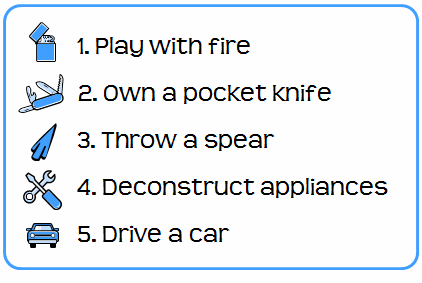 After watching the video, ...
Read the full article
 What happened to 2008? It just flew by. When I was a child each year took an eternity. Now it seems like everything is kind of blurred together. And here we are, about 50 posts later reflecting on a year gone by. Some Quick Thoughts About 2008 Thank you for all of the kind comments that I get each week after I post. I also appreciate the great feedback and suggestions. If you don't regularly review the comments with the blog posts, I recommend you do. ...
Read the full article
Going to a stock image site and looking for just the right pictures can be very time-consuming and a drain on your limited resources. Why not create your own stock images? If rapid elearning software makes everyone an instructional designer, then surely a digital camera makes us all photographers. :)
Obviously, this approach doesn't work for everyone and taking good photos is an art in itself. However, it is a cost effective approach and with some practice very viable.
Here are a few basic tips to get started.
1. Flood the area with light.
A lot of images appear grainy because there's ...
Read the full article
This is kind of a bittersweet post. Originally, I was going to write about using Google Lively's virtual world to build scenes and characters for your elearning courses. The application was free and had some potential as a learning tool. Apparently, I was the only one who was using it, so Google decided to pull the plug. Oh well. If it'll help the stock price, I'm all for it. The 8 shares I own aren't doing too well right now.
Even with the demise of Lively, the essence of the post still stands. So I'm moving forward with ...
Read the full article
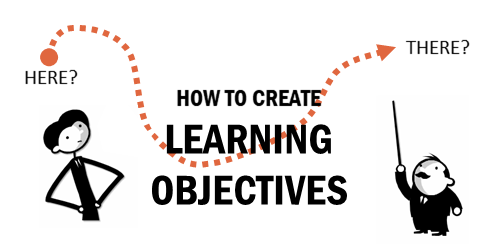 All courses begin with an overarching goal. Assuming that the goal is clear, you build learning objectives to meet the goal. In today's post we'll explore a simple way to create objectives for your course.
Learning Objectives Start with Clear Goals
Make sure that when you work with your clients you have very clear goals. What do they hope the course will accomplish? From that conversation, you'll be able to discern what the learning needs are. This helps you build your objectives.
The main area of focus is ...
All courses begin with an overarching goal. Assuming that the goal is clear, you build learning objectives to meet the goal. In today's post we'll explore a simple way to create objectives for your course.
Learning Objectives Start with Clear Goals
Make sure that when you work with your clients you have very clear goals. What do they hope the course will accomplish? From that conversation, you'll be able to discern what the learning needs are. This helps you build your objectives.
The main area of focus is ...
Read the full article
PowerPoint's notes section can be used as a way to capture knowledge, hold a transcript, or even as a glossary. In today's post, I'm going to throw out some ideas to help you get the most out of your notes. Capture your subject matter expert's expertise Here's a common scenario. A subject matter expert gives you a PowerPoint that he's used for classroom training and expects you to use that for your elearning course. While the content may be good, it's usually not complete. Typically, there's a lot of missing information trapped inside the expert's brain. To collect ...
Read the full article
I once worked on a project for new machine operators who were not able to meet their quotas within 90 days of being hired. I assumed that I would build a standard course that took them through the tasks. Before starting, I wanted to get to know more about the learner's environment, so I spent a few days with the machine operators. Do you know what I discovered? The new hires didn't have a problem with the job. Instead they were all intimidated by the machine. Every day, they were told, "This is a million dollar machine, don't ...
Read the full article
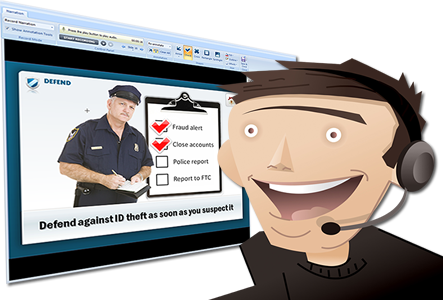 Your rapid elearning software makes it easy to record your narration. Most of the time that works for you. However, there are times when recording your own narration doesn't make sense. Today we're going to look at when it makes sense to consider professional narration for some of your elearning courses. A Good Voice Doesn't Equal Good Results "Why pay for professional narration? Joe and Samantha have good voices. Let's get them to do it." On the surface, this sounds like a good plan. But ...
Read the full article





0
comments